Without an adapter
Understand driving behavior
Your phone provides movement and location signals that help Raste understand how a drive happened.
- Driving behavior insights
- Trip movement and route context
- No vehicle sensor readings
Your vehicle creates useful sensor data every time you drive. A small OBD adapter helps you access it, and Raste helps turn it into clear vehicle health insights.
You can still use Raste without an adapter for driving behavior. To understand what is happening inside your vehicle, Raste needs the sensor data made available through OBD.
Find My Adapter Raste
Clear insight
Raste
Clear insight
The adapter simply gives Raste a deeper view. Choose the experience that fits what you want to understand.
Without an adapter
Your phone provides movement and location signals that help Raste understand how a drive happened.
With an adapter
The adapter lets Raste read supported signals from your vehicle while you drive.
Your vehicle data belongs to you. The adapter helps unlock the information your vehicle already creates. Raste helps you understand it and use it to care for your vehicle.
Android and iPhone use different Bluetooth connections. Choose the device below that matches the phone running Raste.
We choose a store from your browser region. You can change it here at any time.
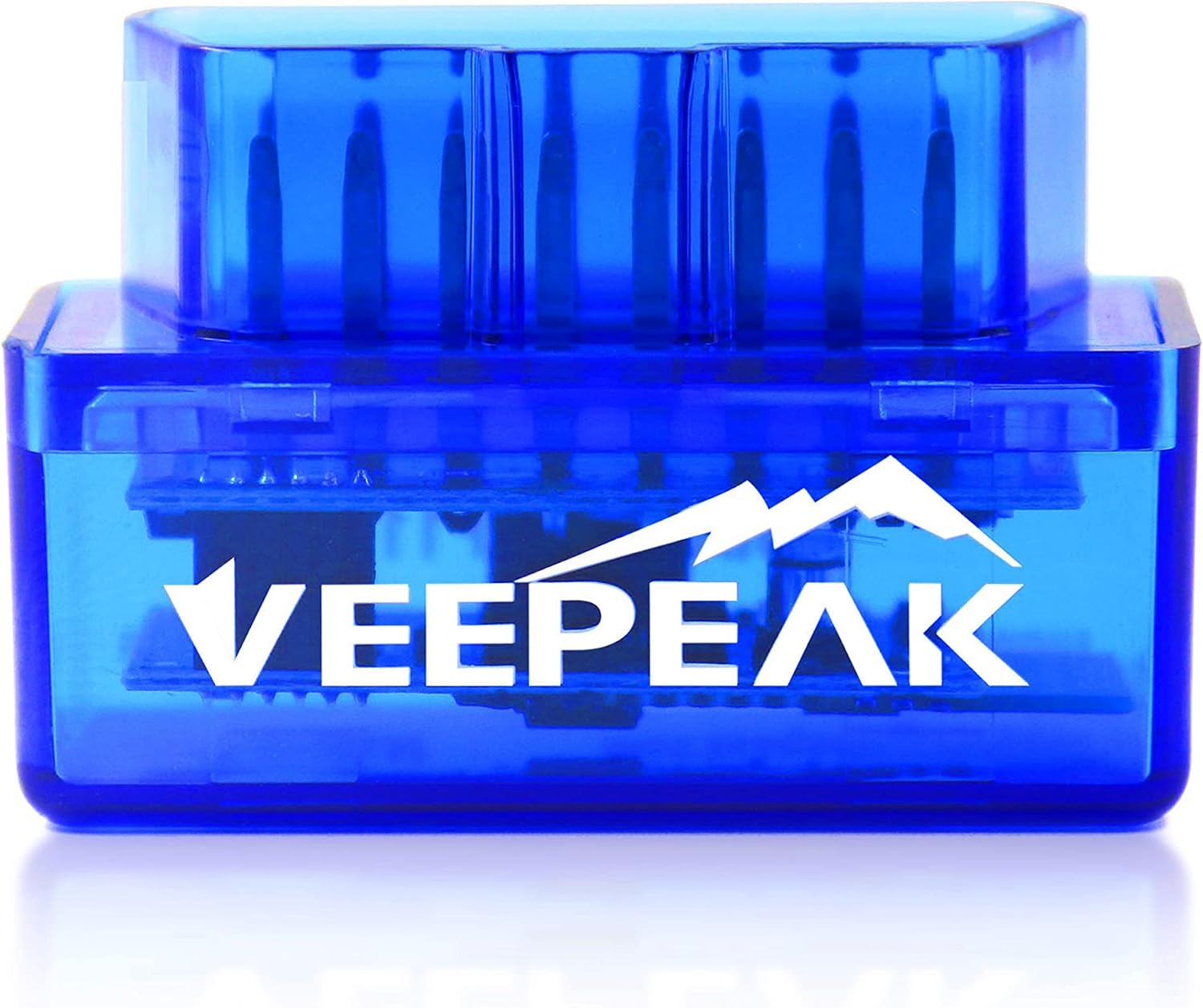 Recommended for Android
Android
Android uses Classic Bluetooth for a quick and reliable Raste connection. This is the model we test with.
Search Amazon for Android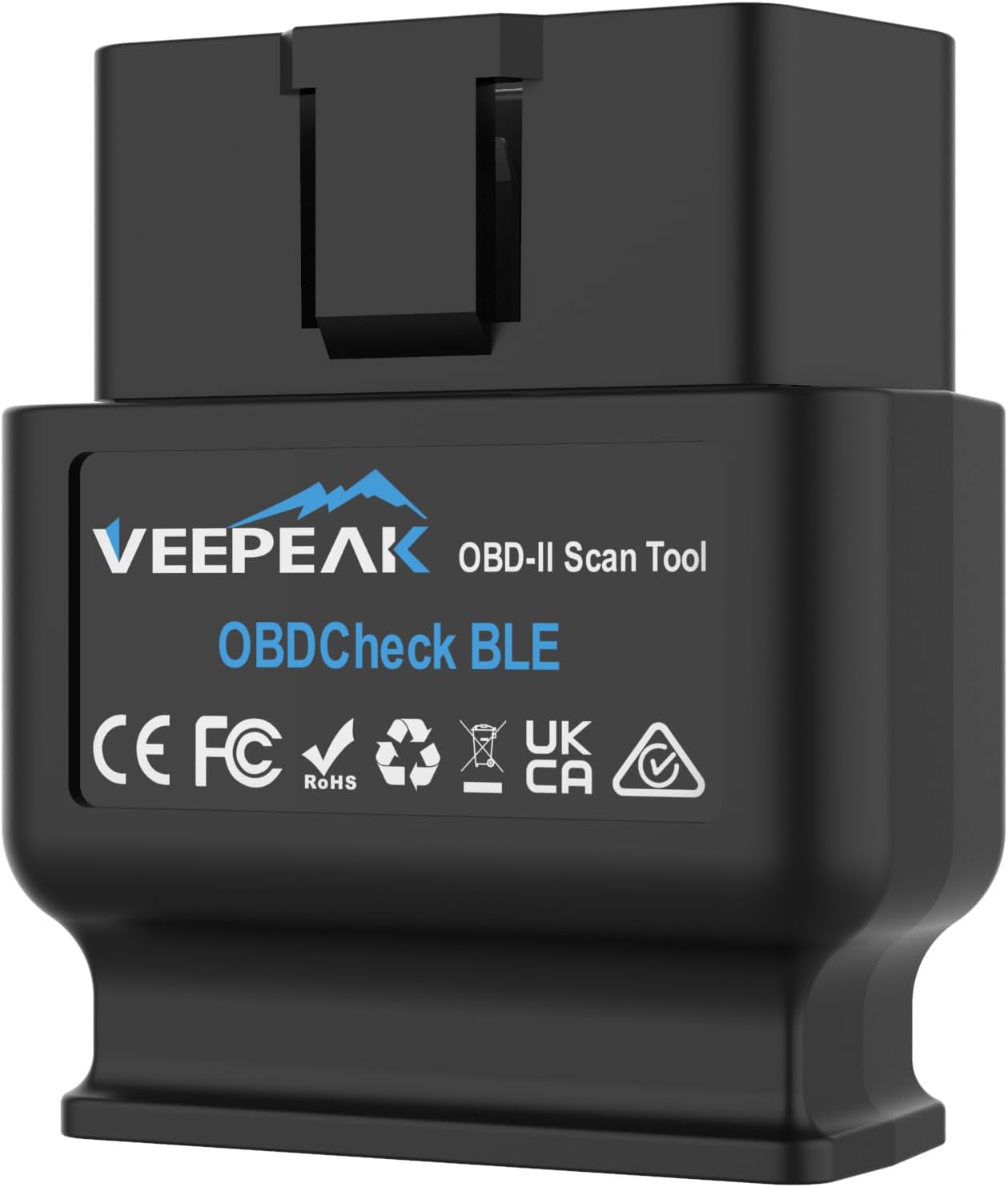 Recommended for iPhone
iPhone and iOS
iPhone requires Bluetooth Low Energy. This is the BLE model we test with and recommend for Raste.
Search Amazon for iPhoneThese buttons open an Amazon search instead of one listing, so you can compare current sellers and availability in your region. Prices and availability are set by Amazon and its sellers.
No tools, vehicle changes, or complicated installation.
Look under the dashboard near the steering column. Your vehicle manual can show the exact location.
Press it gently into the port. The adapter receives power from the vehicle.
Open the Raste app and choose your adapter from the connection screen.
Raste reads supported sensor data during the drive and turns it into useful insight.
Yes. Raste can use phone signals for driving behavior. Vehicle health becomes available when a drive includes supported sensor data from an OBD adapter.
No. Raste uses the adapter to read supported information. It does not change your vehicle settings.
Use one adapter in each vehicle that needs to send sensor data at the same time. An adapter can also be moved between vehicles when simultaneous logging is not needed.
No. Available signals vary by vehicle model, year, and system support. Raste explains what it can read after connection.